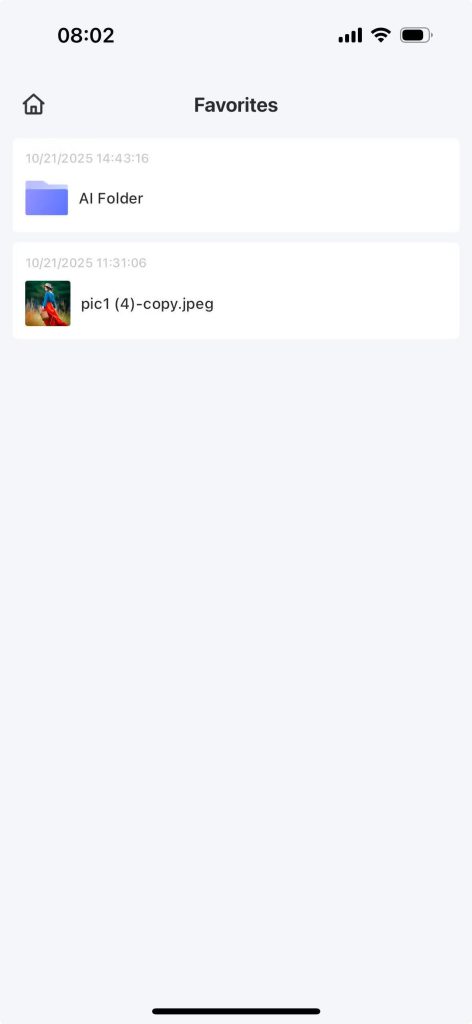
Users can collect their favorite files, which will be displayed on the “My Collection” page.
1.1 File Collection #
Step 1: Home page of the app – My file
Step 2: Click on a photo or click the “three dots” button
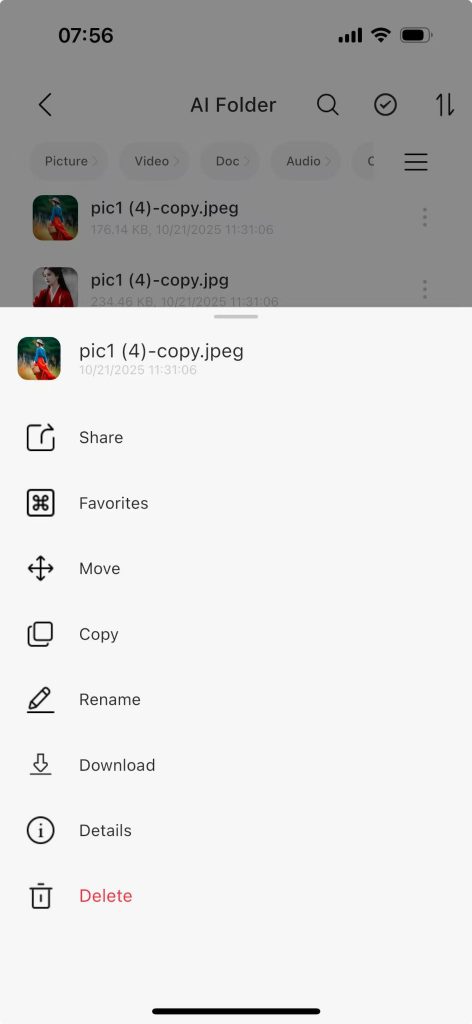
Step 3: Click “Collect”, and a prompt will show “Collection successful”.
Step 4: On the home page of the APP – click the expand button behind “Applications” to enter all applications.
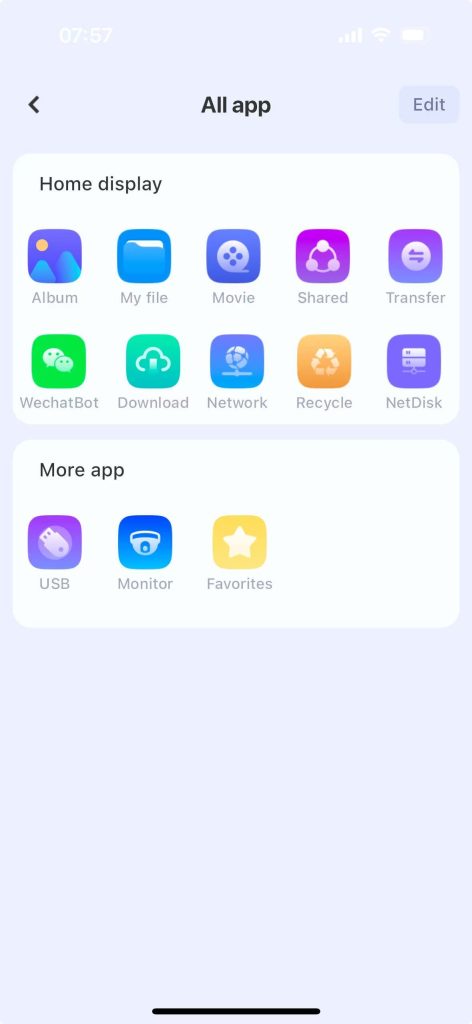
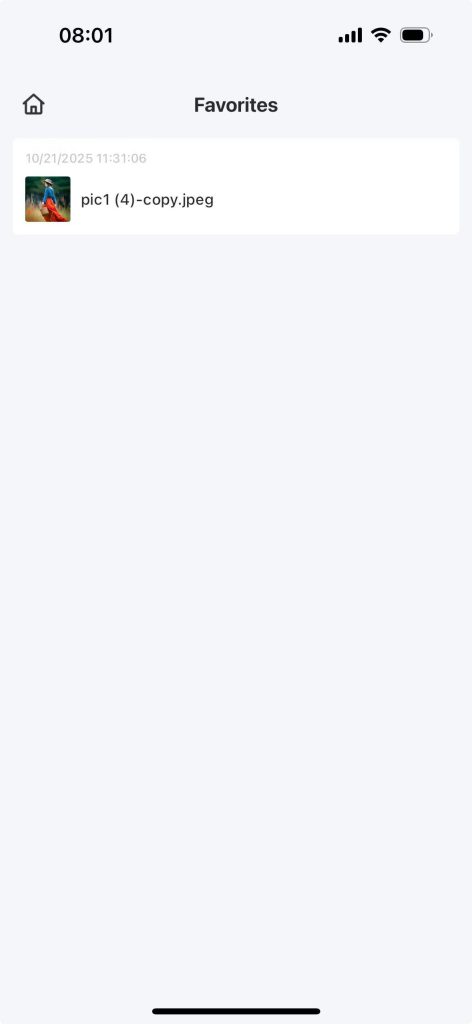
Step 5: Click on “My Collections” to view the photos you have collected.
1.2 Folder Favorites #
Step 1: Home page of the app – My file
Step 2: Select a folder and click the “three dots” button behind the folder.
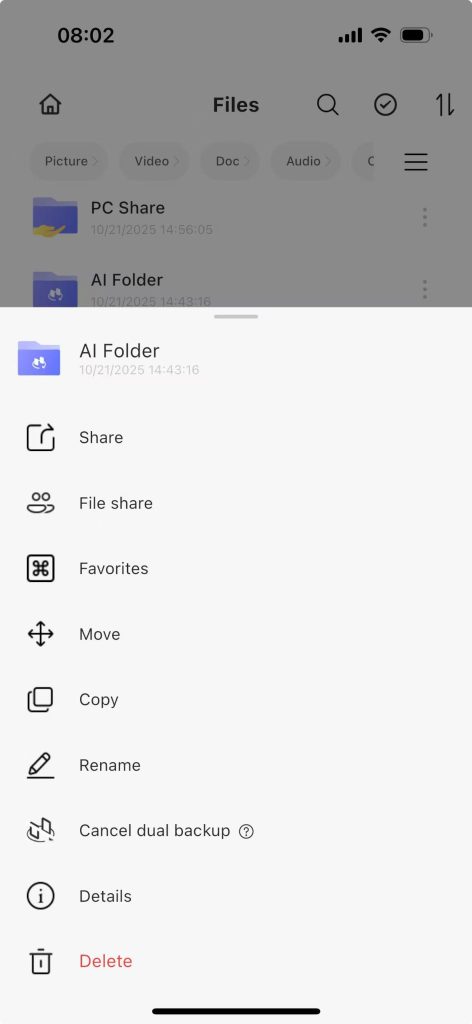
Step 3: Click “Collect”, and a prompt will show “Collection successful”.
Step 4: On the home page of the APP – click the expand button behind “Applications” to enter all applications.
Step 5: Click “My Collections”, and you can see the collected folders. Clicking on a folder allows you to browse its contents.